







Piilo public beta

Remember where you put things.

Piilo is a private, photo-first app for recording where your belongings are kept—from the spare key in a drawer to the camera inside a box at the back of a closet.

You put it away. Piilo remembers where.

Apple’s free TestFlight app is required. Install TestFlight first, then return here and join the Piilo beta.

Designed first for iPhone. The iPad version is included in the beta, but it is not yet ready for focused testing.

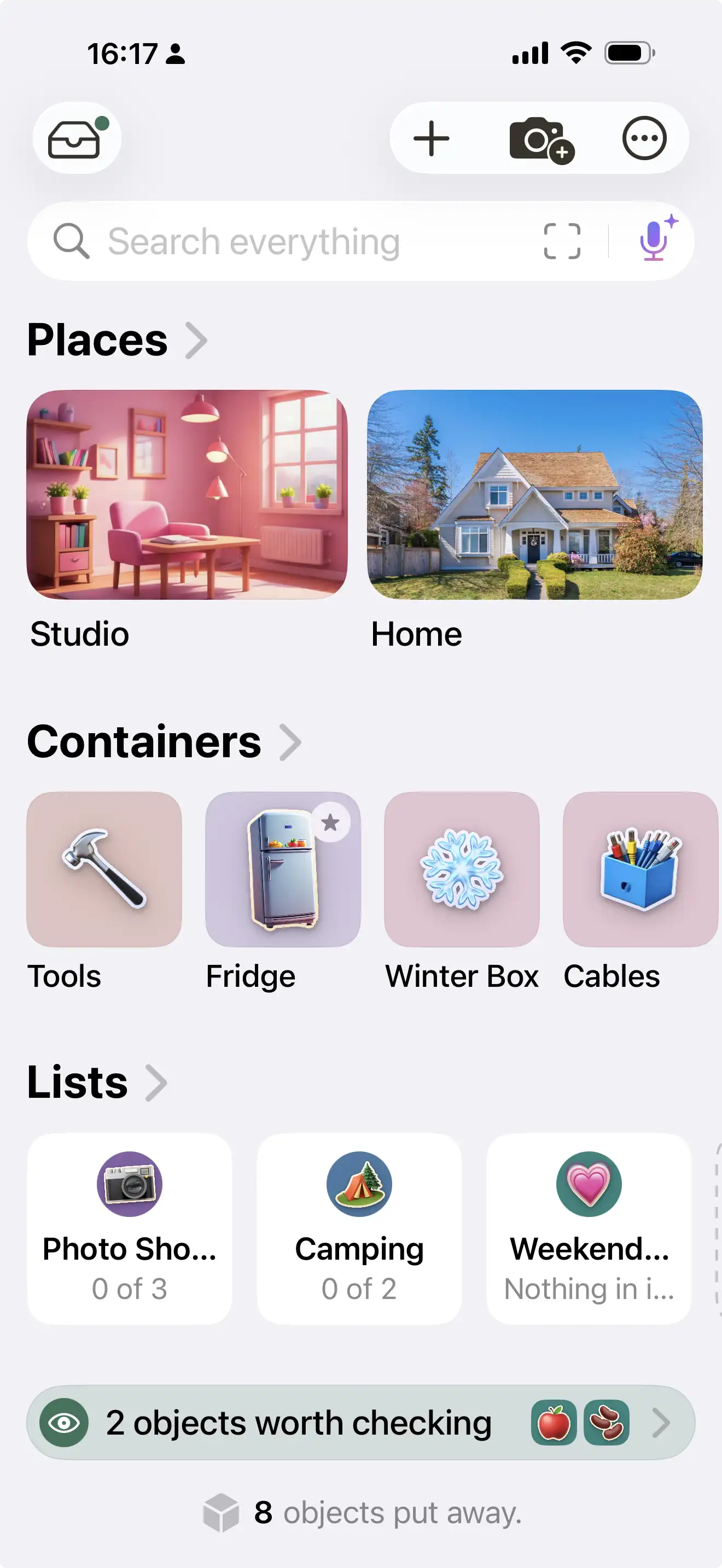
Piilo home screen showing rooms, containers, and lists
Piilo object screen showing the object and where it is kept

What Piilo does

A place for the belongings you put in places

Piilo remembers the relationship between your belongings and where you keep them. Add a camera to a blue bin, put the bin in a closet, and Piilo remembers the whole route.

One readable path

HomeBedroomClosetBlue BinCamera

Start broad or get very specific. Record one moving box, one shelf of books, one travel bag, or an entire home. Piilo does not require you to organize everything before it becomes useful.

  1. 1

    Add it

    Photograph an object or add it without a photo.

  2. 2

    Put it somewhere

    Choose the room, drawer, shelf, box, bag, or other place it lives.

  3. 3

    Find it later

    Search Piilo and follow the complete path back to it.

Ordinary objects, real places

Piilo follows the way your home actually works

Home › Kitchen › Small Drawer › Spare Key

Home › Bedroom › Closet › Blue Box › Camera Cable

Storage Unit › Shelf 4 › Red Bins › Decorations

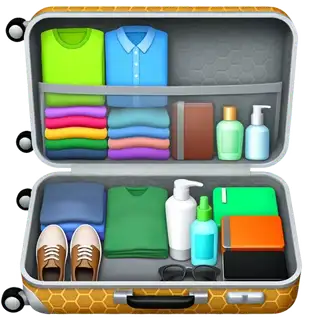
Suitcase › Front Pocket › Travel Adapter

Your beta assignment

Pick one small mission

The most useful test begins with a handful of real belongings—not an imaginary plan to catalogue the whole house.

Mission 1

The mystery box

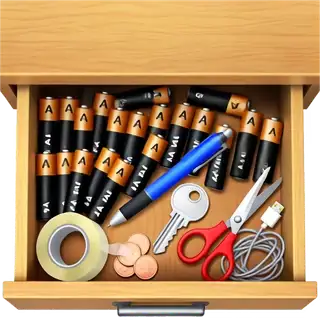
Choose one opaque box, drawer, cupboard, or storage bin. Add at least five real objects, close it, and later search for one of them.

Storage · moving · household clutter

Mission 2

One collection

Record one shelf, case, album, or group you care about. Notice whether Piilo matches the way you naturally think about it.

Books · records · tools · crafts · equipment

Mission 3

Five things you lose

Add five objects you regularly struggle to find, put each where it actually lives, then return later and try finding one.

Everyday objects · parents · occasional-use items

That is enough. You do not need to catalogue your house or explore every feature.

Make it yours

Four ways for Piilo to feel at home

Themes change the app’s presentation, not what it does. Pick the one that makes you want to keep using it.

PiiloWarm, quiet, and led by your own photos and colours.
Piilo theme showing Piilo’s home screen

What you can test

The public beta is the beginning

The first public build was submitted July 21. Piilo has kept moving while that build made its way through review.

Available in the beta

The useful core

  • Add belongings with a photo or without one.
  • Create places, rooms, containers, and objects.
  • Put any object inside the real-world place that holds it.
  • Search and follow a complete location path.
  • Move belongings when their real location changes.
  • Use lists and try the four visual themes.

Prepared for a later beta

Piilo has already moved on

  • Clearer page titles, paths, and a faster way home.
  • A more visual Map for exploring what is inside a place.
  • Easier moving, packing, and photo-handling workflows.
  • Starting points for a home, move, collection, or storage unit.
  • A more cohesive cut-paper treatment for the Play theme.

Site updated July 27, 2026

Honest confusion is useful

Tell me about a real moment

A concrete “I tapped this and expected that” is worth more than a feature wishlist. Short feedback is welcome.

A useful bug report

What happened? What did you expect?

Add what you were doing immediately beforehand, whether it happens again, the screen or object involved, and a screenshot if possible.

Piilo beta feedback

Testing mission:
Device:
OS version:
Piilo build:
What I tried:
What worked:
What confused me:
Bug or unexpected behavior:
Anything else:

“I have spent months making Piilo into something I would genuinely use. At this stage, honest confusion is more useful than polite praise. If something feels awkward, unnecessary, or impossible to understand, please tell me.”

Private by default

Your belongings are personal. Piilo is designed to keep them that way.

Piilo requires no Piilo account, contains no advertising, and has no behavioral analytics or Piilo-operated server holding your library.

Your library starts locally on your device. Apple iCloud features are optional and run only when you choose to enable them. Piilo’s two optional import/lookup tools make a network request only when you explicitly use them.

TestFlight is an Apple service and may collect crash logs, usage information, and feedback you choose to send.

Piilo is beta software. Do not rely on this build as the only record of irreplaceable information.

A few practical answers

Before you start

What is Piilo?

Piilo is a private app that helps you remember where you keep your belongings. You record a location; Piilo does not physically track the object.

Do I need to inventory my whole home?

No. Five objects in one drawer or box is a useful test. Piilo is meant to help before everything is catalogued.

Is the beta free?

Yes. Apple’s free TestFlight app is required to install this public beta.

Which device should I use?

Please use an iPhone for the main test if you can. The iPad build is included, but its layout and experience are still in progress.

Will my beta data survive every update?

It may, but beta software can change or require a reset. Do not make this build the only record of irreplaceable information.

How do I send feedback?

Open Piilo through TestFlight and choose Send Beta Feedback. You can also take a screenshot while Piilo is open and use the TestFlight feedback option.

Can Piilo find an object with GPS or Bluetooth?

No. Piilo remembers the location you recorded. It does not locate objects by GPS, Bluetooth, or AirTag.

Five objects are enough

Put something away. See if Piilo can bring you back to it.

Join the TestFlight Beta

iPhone first · Free public beta · TestFlight required

Piilo betaTest one small place
Join